You can use the Dodo App to update your MyDodo username and password or contact details associated to your services.
Update your MyDodo username or password
- Sign in to the Dodo App.
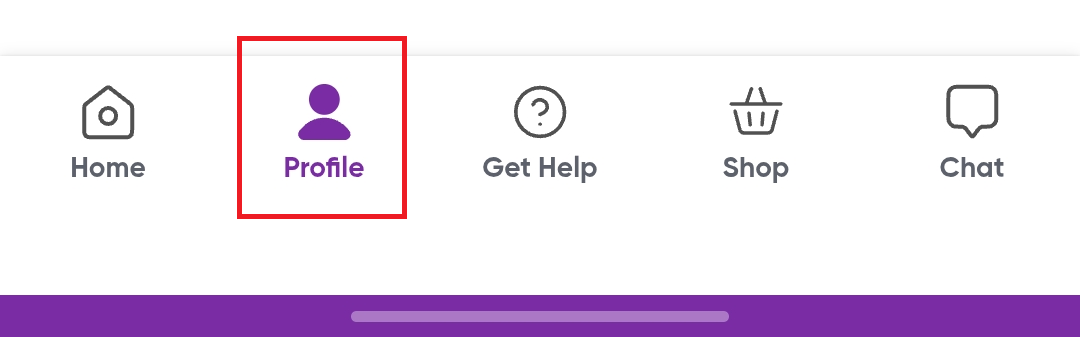
- Select Profile at the bottom of the screen.
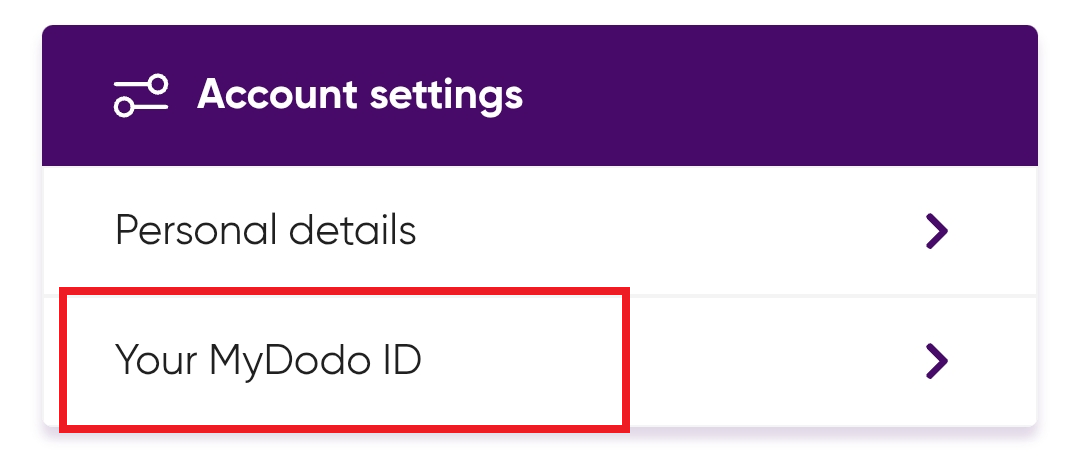
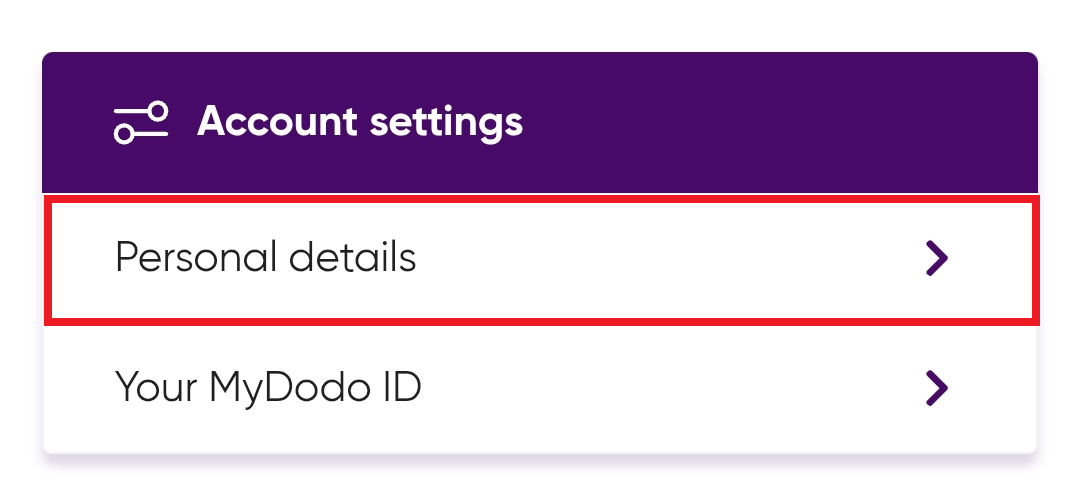
- Under Account settings, select Your MyDodo ID.
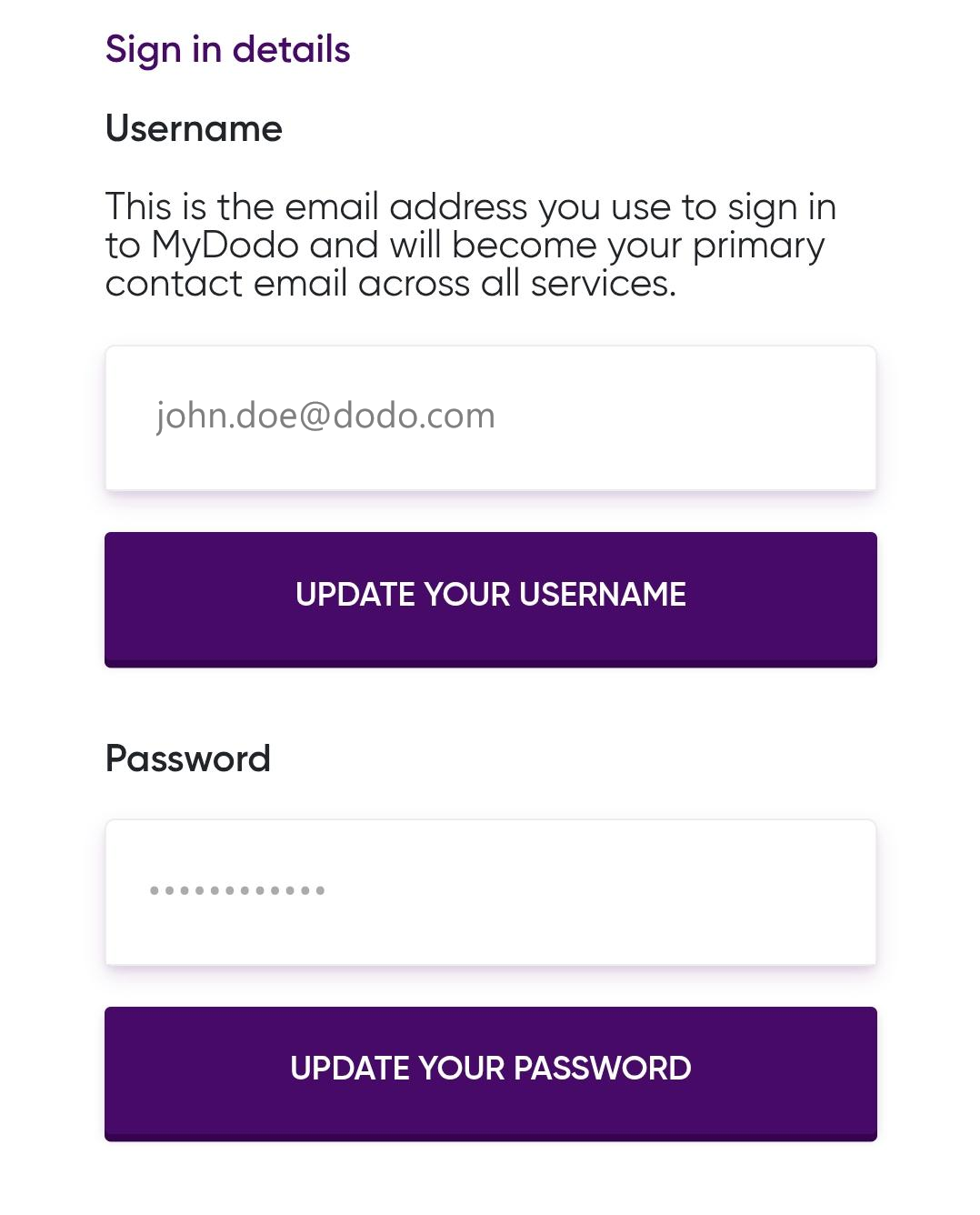
- Select Update your username or Update your password.
- Follow the on-screen prompts to complete the update.
Update your contact details
- Sign in to the Dodo App.
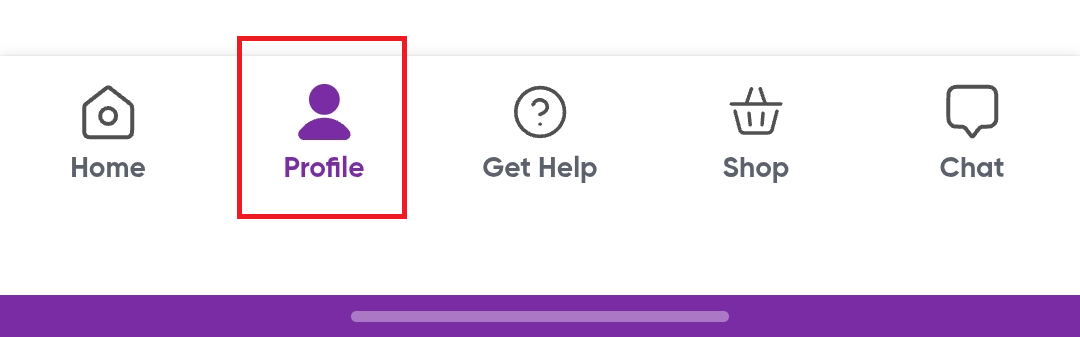
- Select Profile at the bottom of the screen.
- Under Account settings, select Personal details.
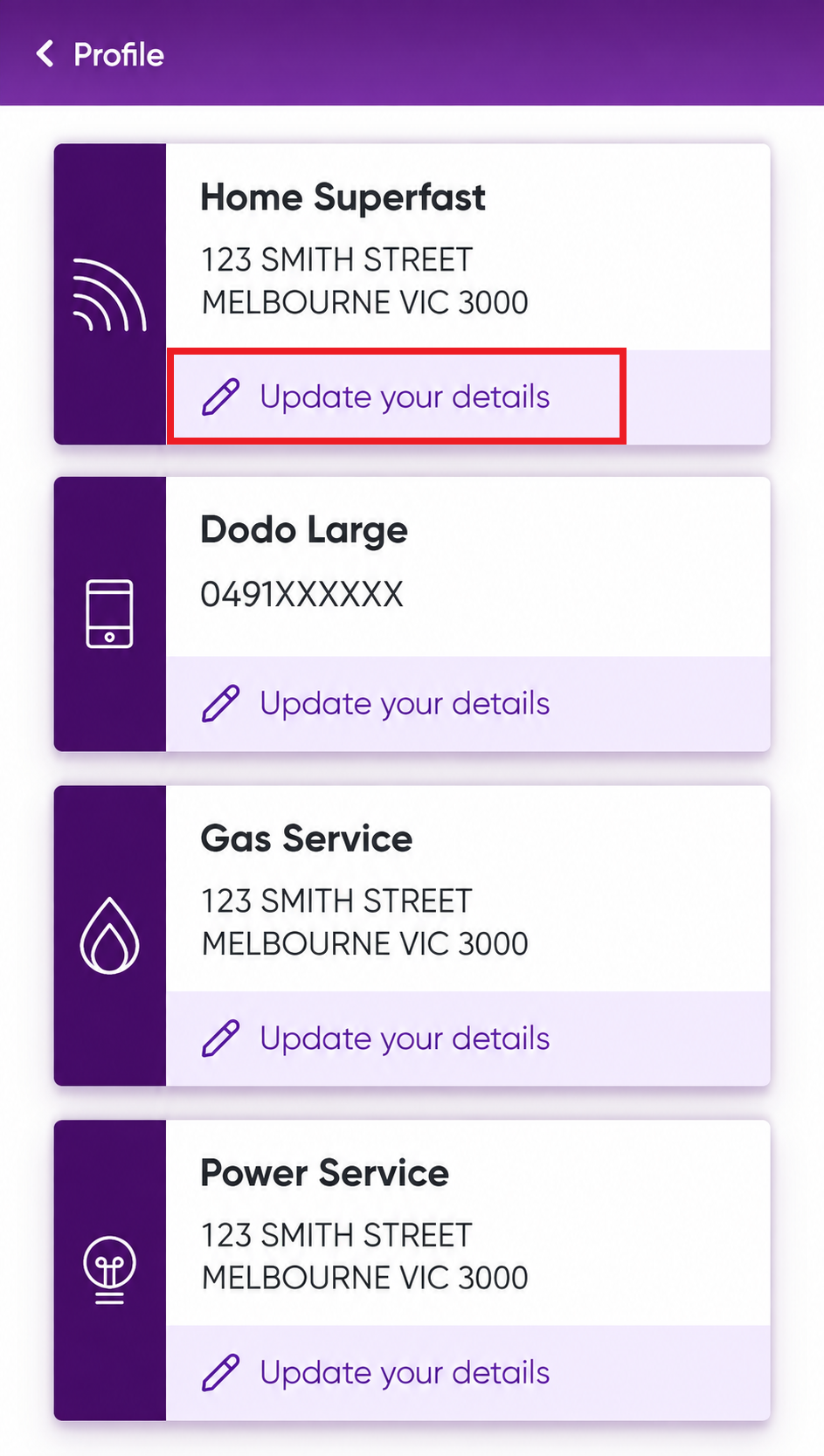
- Select the service you want to update.
- Select Update your details.
- Select Edit (where available) and follow the on-screen prompts to save your changes.
Related