You can view, download or print your current bill and previous bills (invoices) by using the Dodo App.
- Log in to the Dodo App.
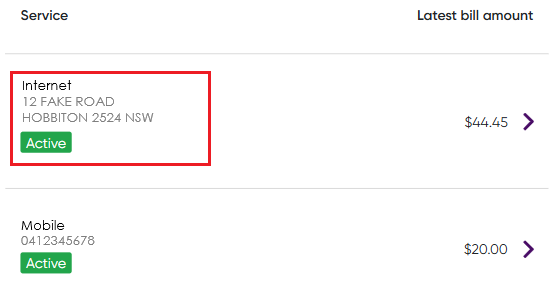
- Select the service you wish to view.
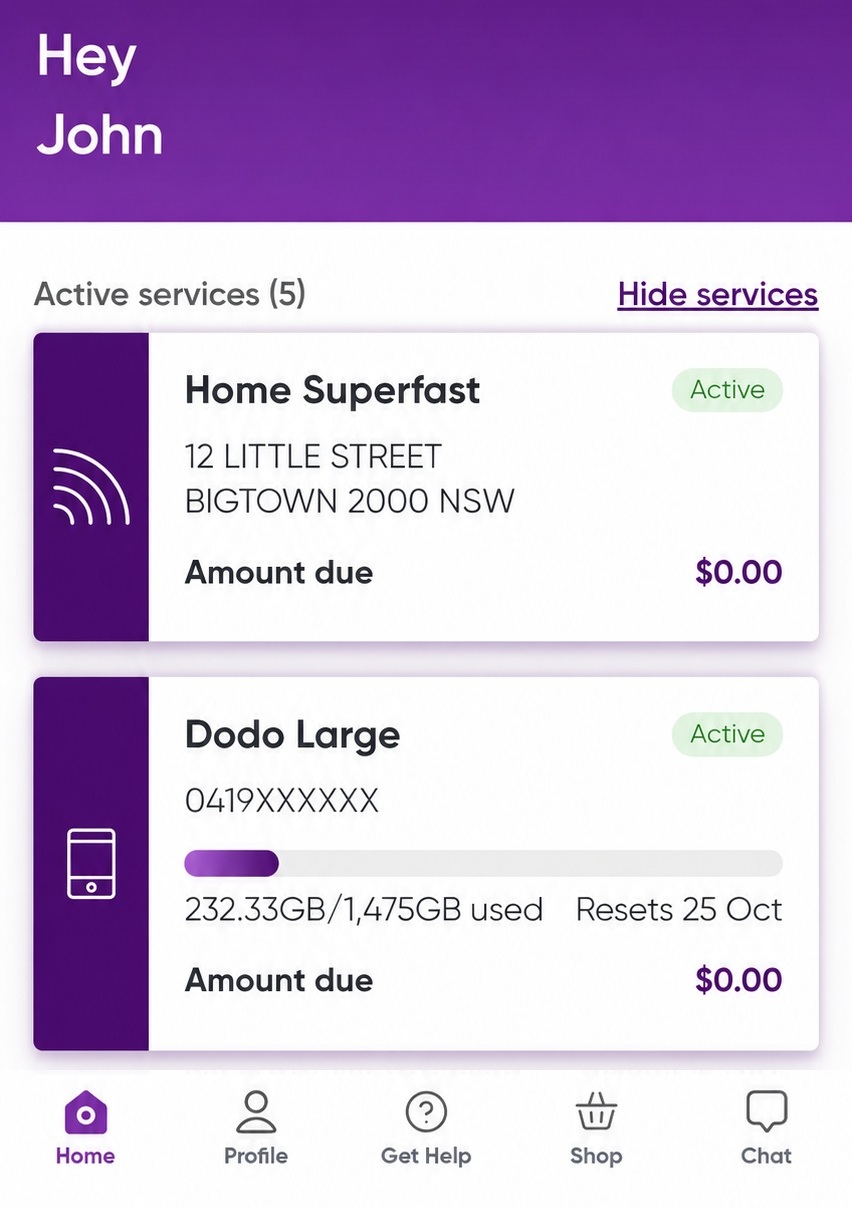
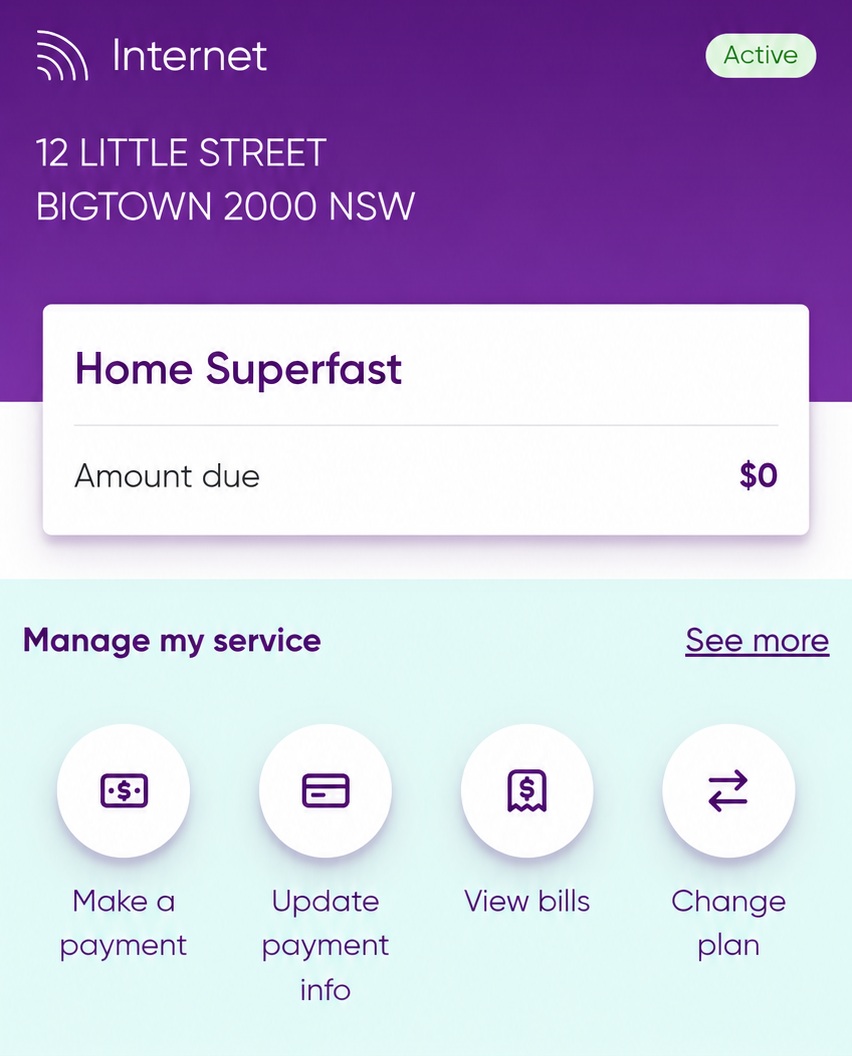
- Under Manage my service, select View bills.
- Click View Invoice to see your latest bill.
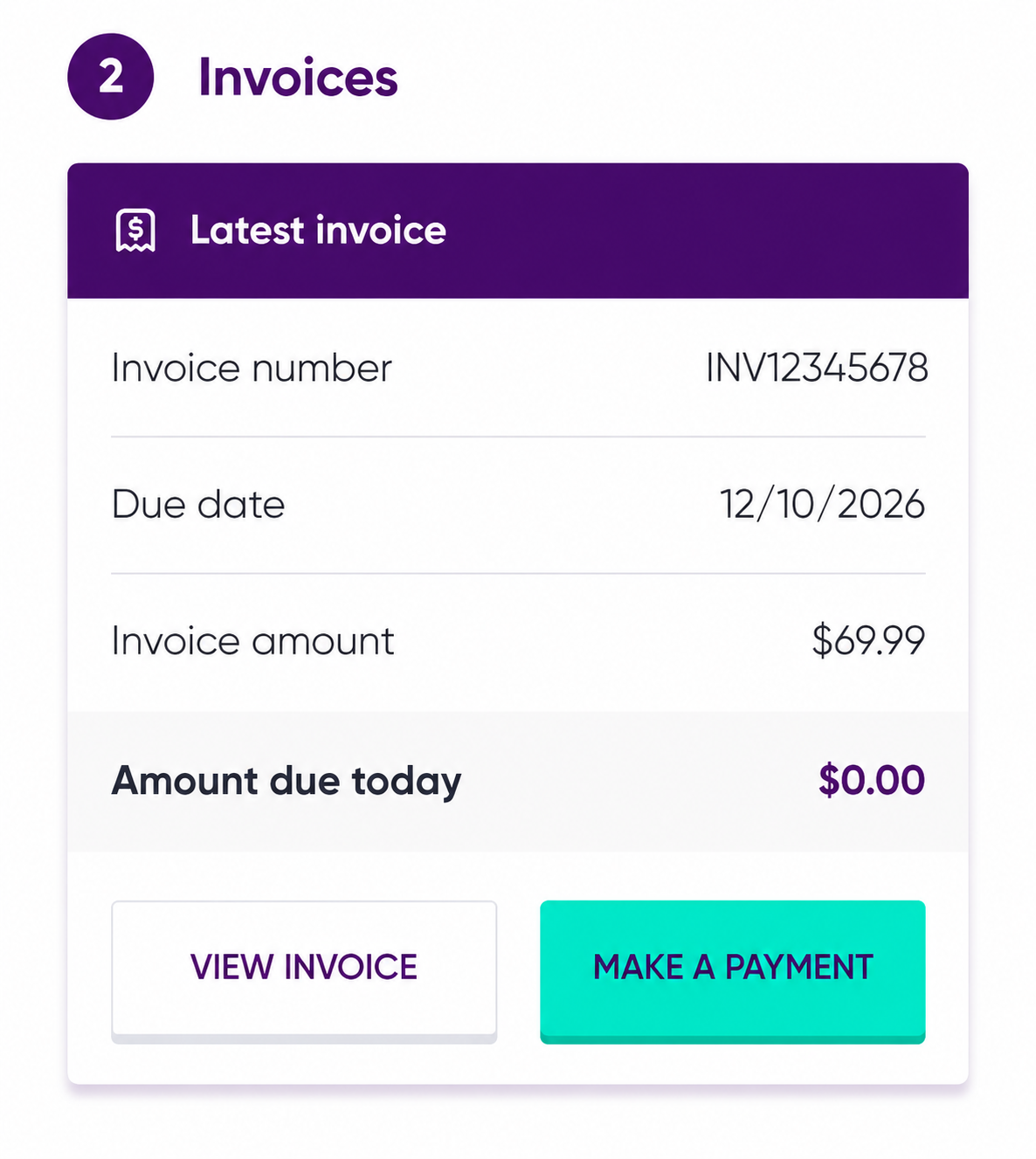
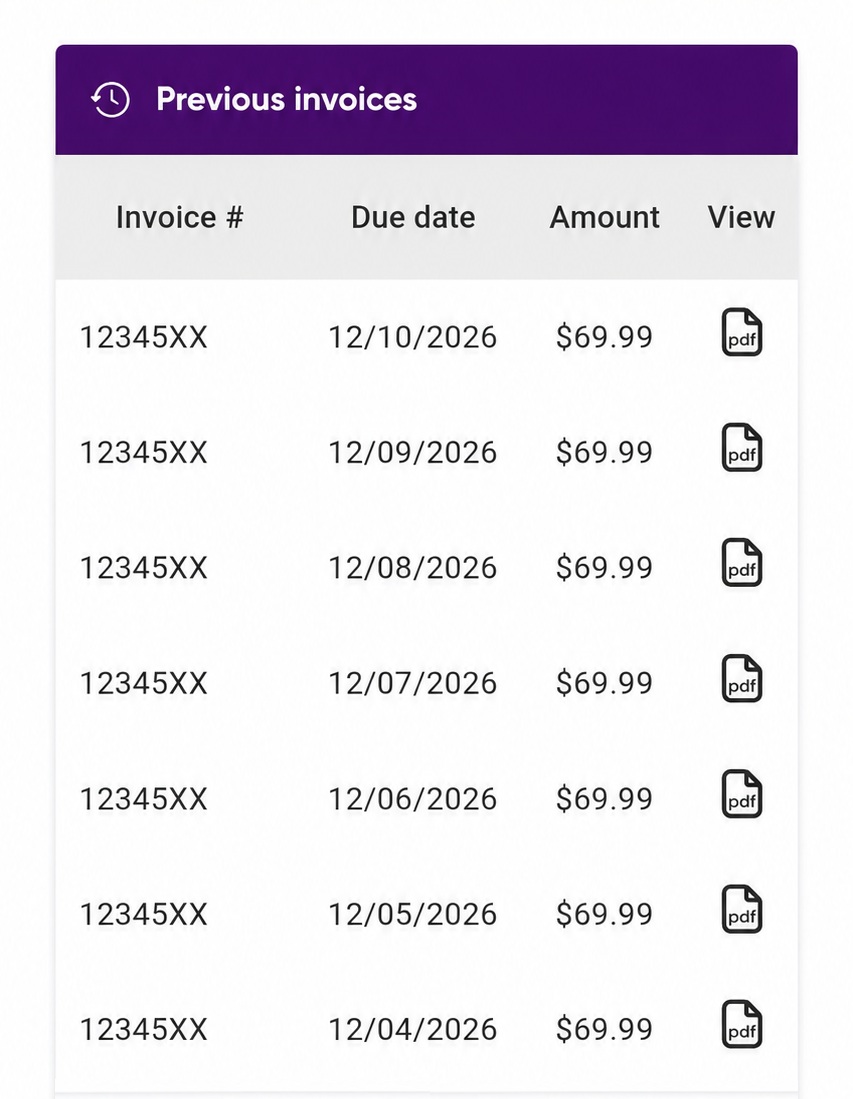
- To view an older bill, scroll down to Previous invoices and select the invoice you wish to open.
Related
What should I do if I don’t understand a charge on my invoice?