Phone & Internet

You can view, download or print your current bill and previous bills (invoices) by using the Dodo App.

  1. Log in to the Dodo App.
  2. Select the service you wish to view.

Dodo App home screen showing a list of services
 

  1. Under Manage my service, select View bills.
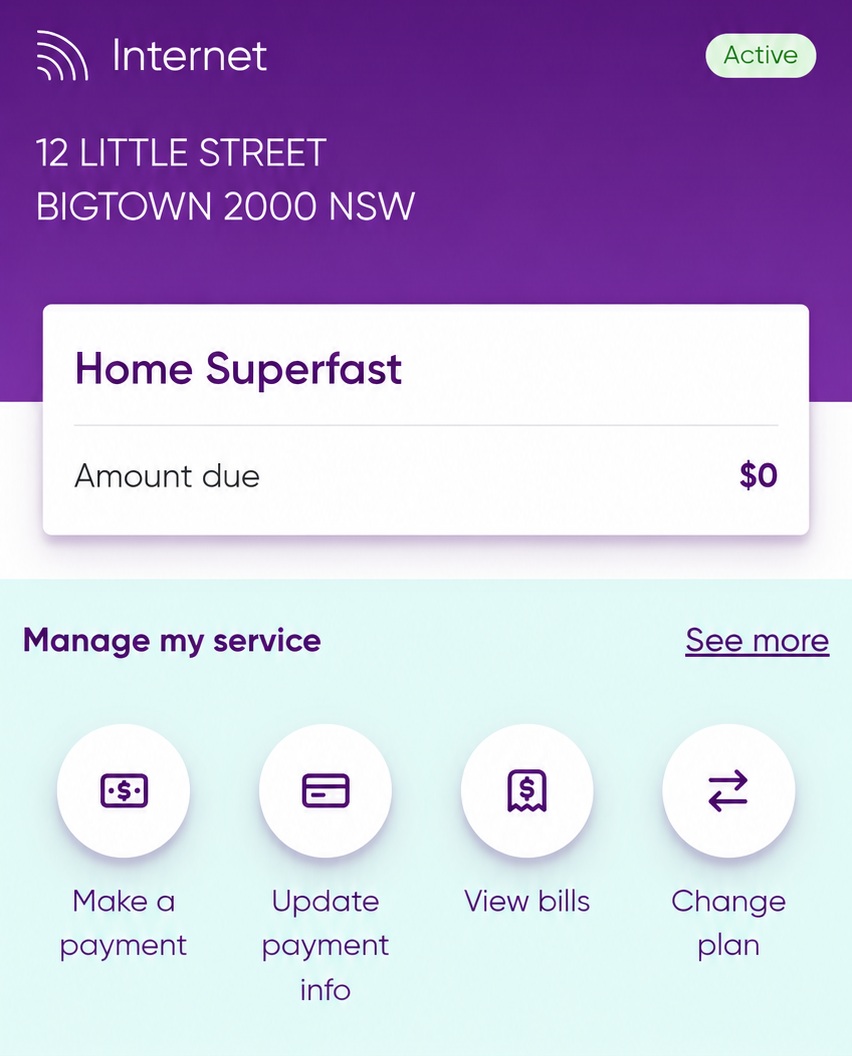
Dodo App Manage service page
 

  1. Click View Invoice to see your latest bill.
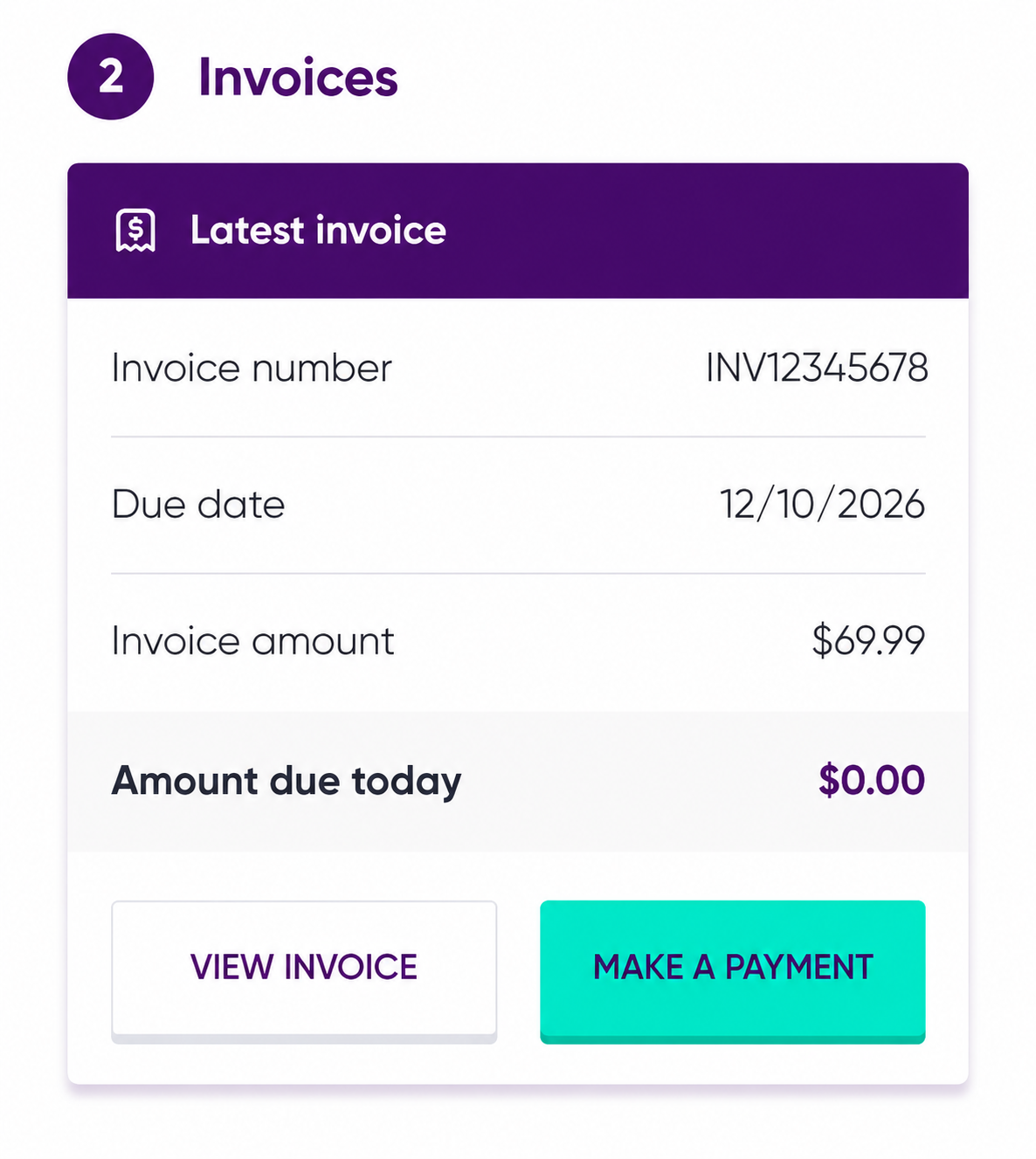
Dodo App invoices page
 

  1. To view an older bill, scroll down to Previous invoices and select the invoice you wish to open.
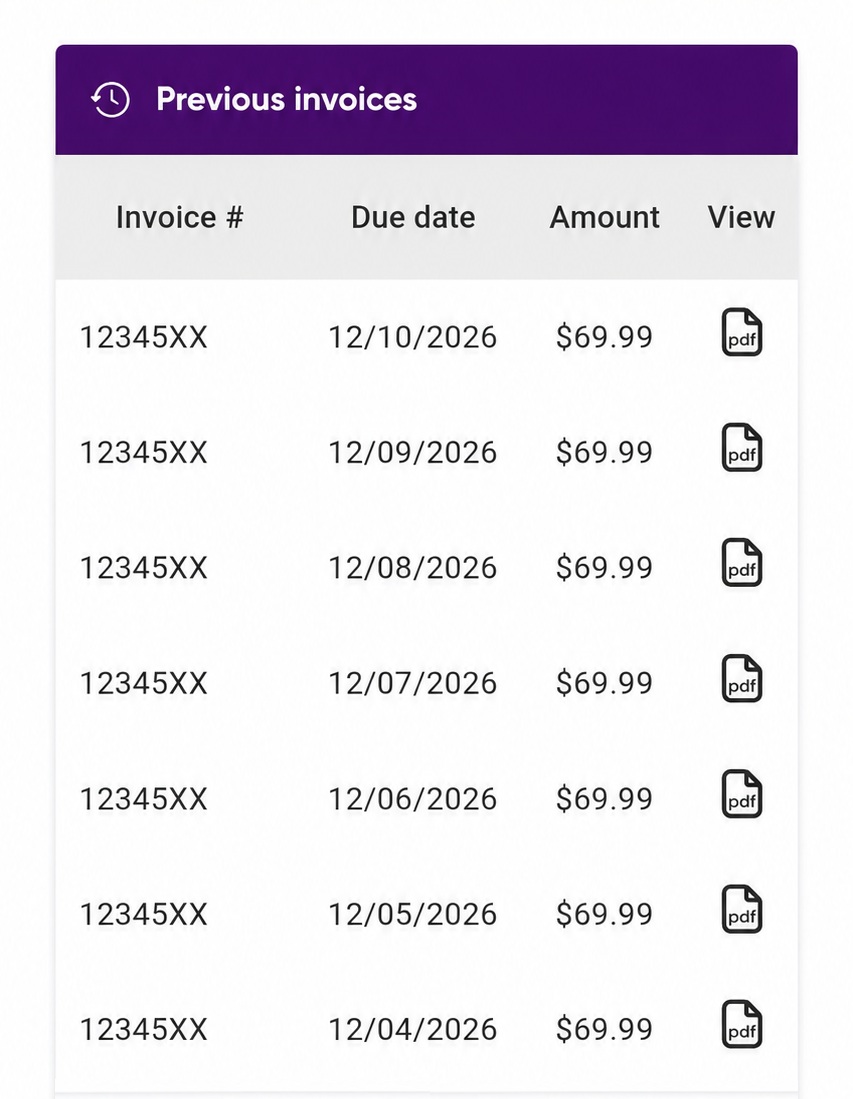
Dodo App previous invoices section


Related
What should I do if I don’t understand a charge on my invoice?
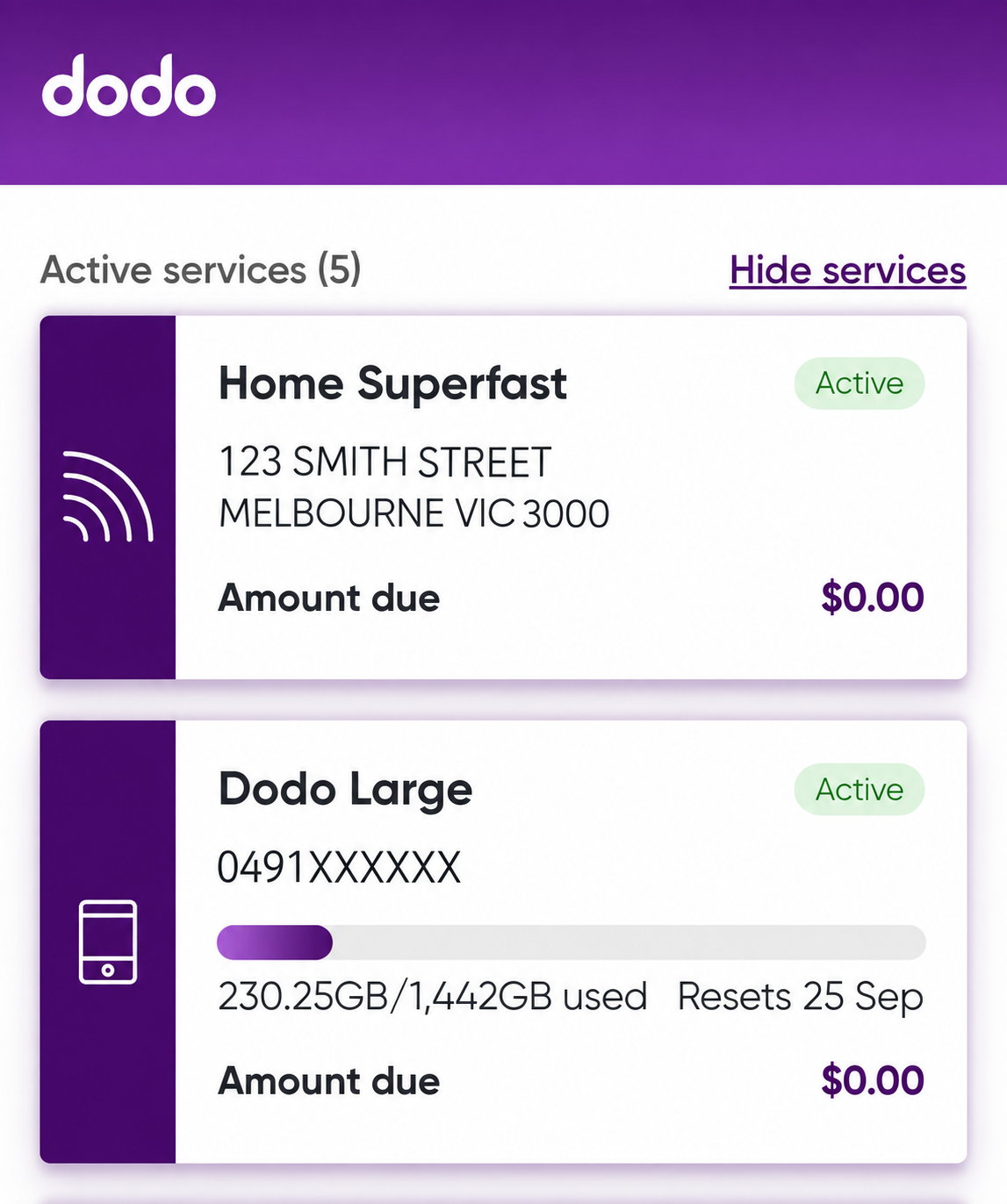
Dodo bills are normally paid automatically using the debit or credit card saved to your account. If you need to update your payment details, you can do this using the Dodo App.

Automatic payments

Your monthly Dodo bill is automatically charged to the credit or debit card linked to your account.

To update your payment details:

  1. Open the Dodo App.
  2. Select the service you want to manage.

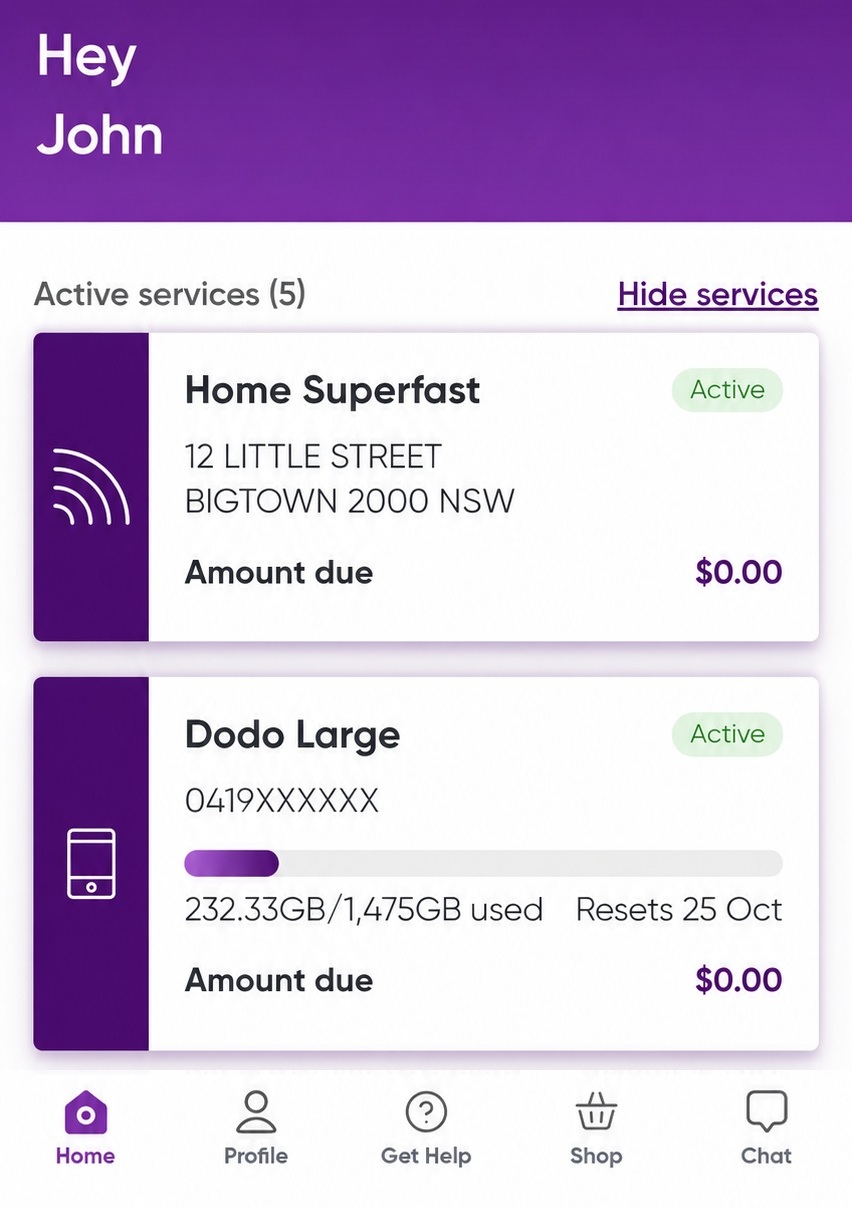
Screenshot showing list of services

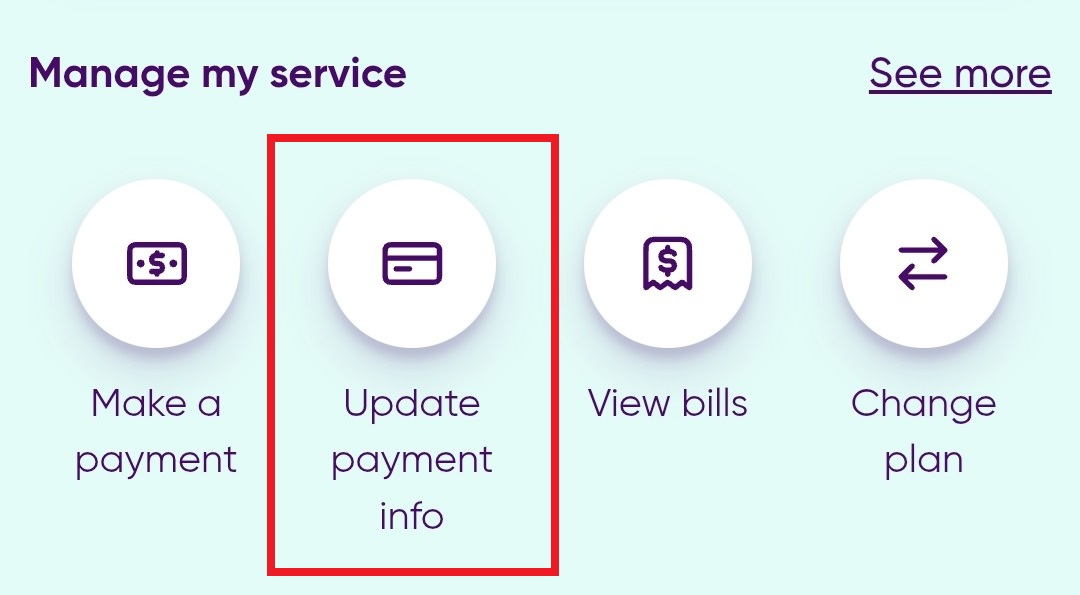
  1. Under the Manage my service tab, select Update payment info.

screenshot showing Update payment info button
 

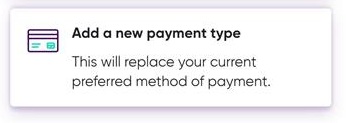
  1. Tap Add new payment method.

screenshot showing Add new payment type
 

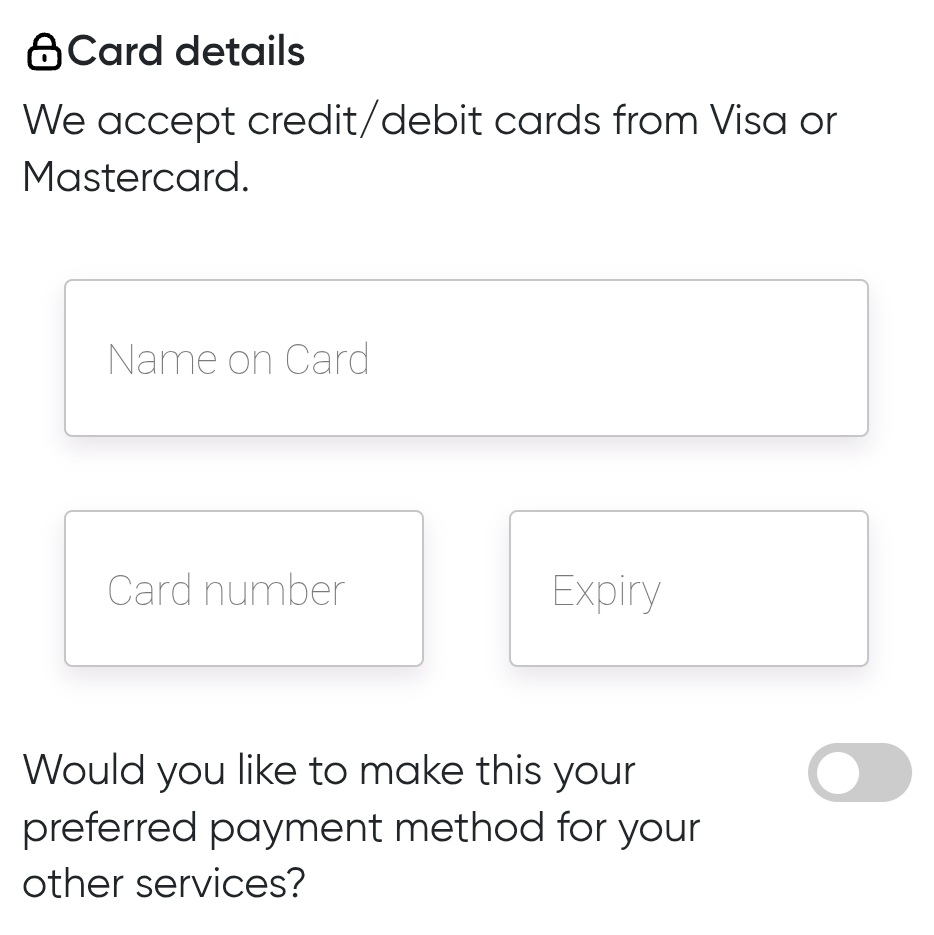
  1. Enter the new card details.

Card details screenshot
 

  1. Follow the prompts to save your changes.


Once updated, future payments will be charged to the new payment method.

Important: Make sure sufficient funds are available on your bill due date to avoid possible service disruption.

Manual Payments

If you have missed a payment and need to make a one-off payment, see How do I make a payment online?

Related

How do I view my bill?
 

Dodo payments are usually taken automatically from your nominated debit or credit card, but if you have missed a payment and want to pay a bill manually, you can do so using the Dodo App.

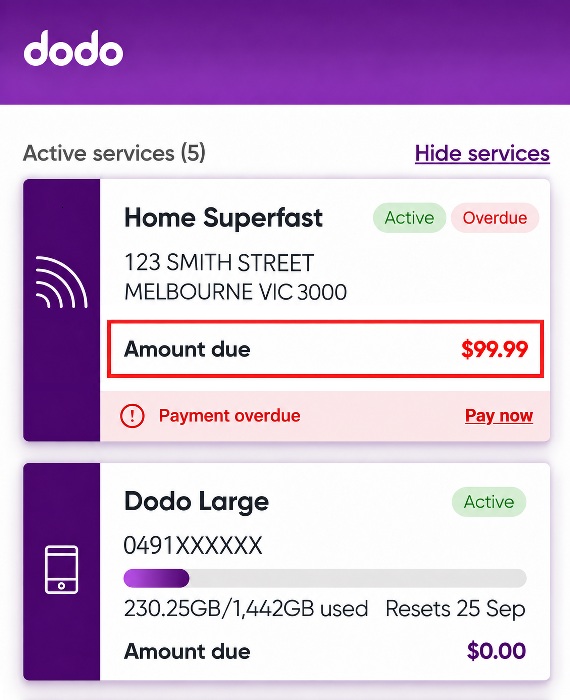
  1. Log into the Dodo App and select Pay Now on the service you want to pay.

Image showing an overdue account

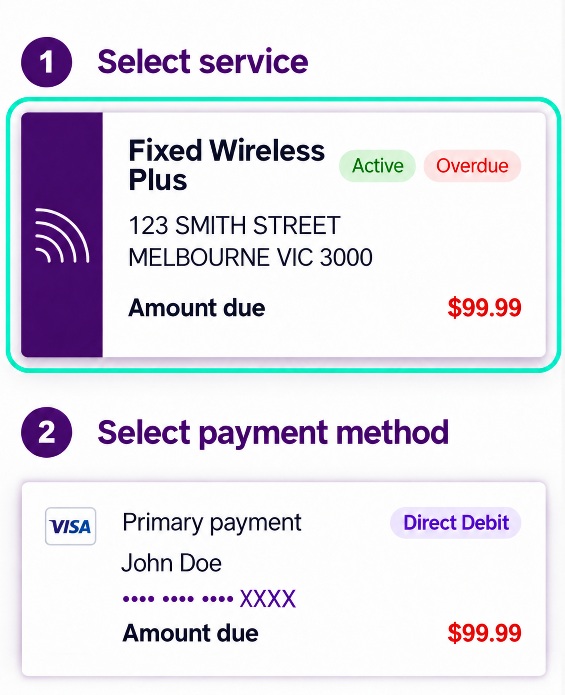
  1. Select the payment method you wish to use.

Image showing payment method selection

  1. Select Confirm to submit the payment.

Image of the confirm button

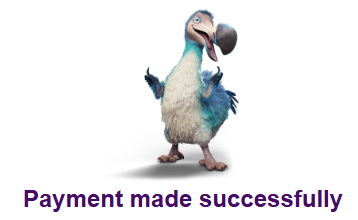
  1. A confirmation screen will appear to let you know whether the payment was successful.

image of the payment made successfully screen
 

What if I’m having difficulty making a payment?

If you are having difficulty making a payment, you may be able to request a Payment Extension through the Dodo App. See Can I get a payment extension? for more information.
 

Whether you want to upgrade or downgrade your plan, you can make changes using the Dodo App.

How do I change my plan?

  1. Log in to the Dodo App.
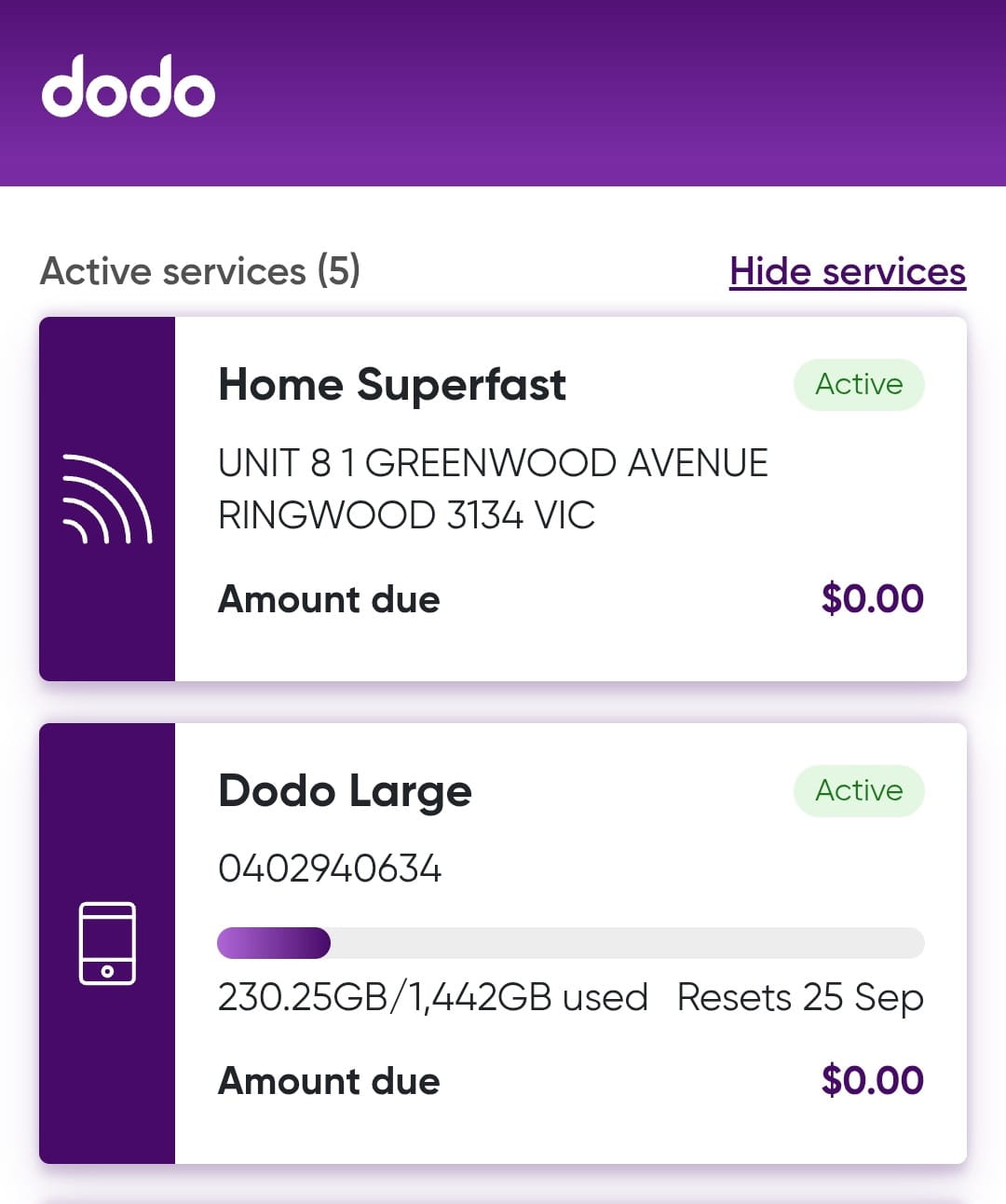
  2. Select the service or plan you want to change from the Home page.

Image of home screen showing services

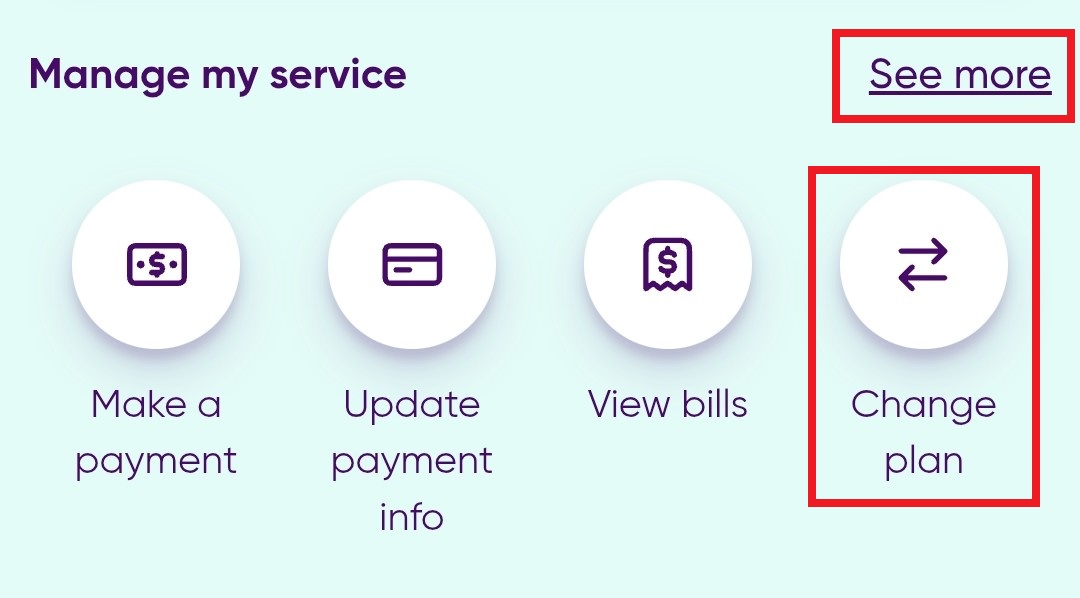
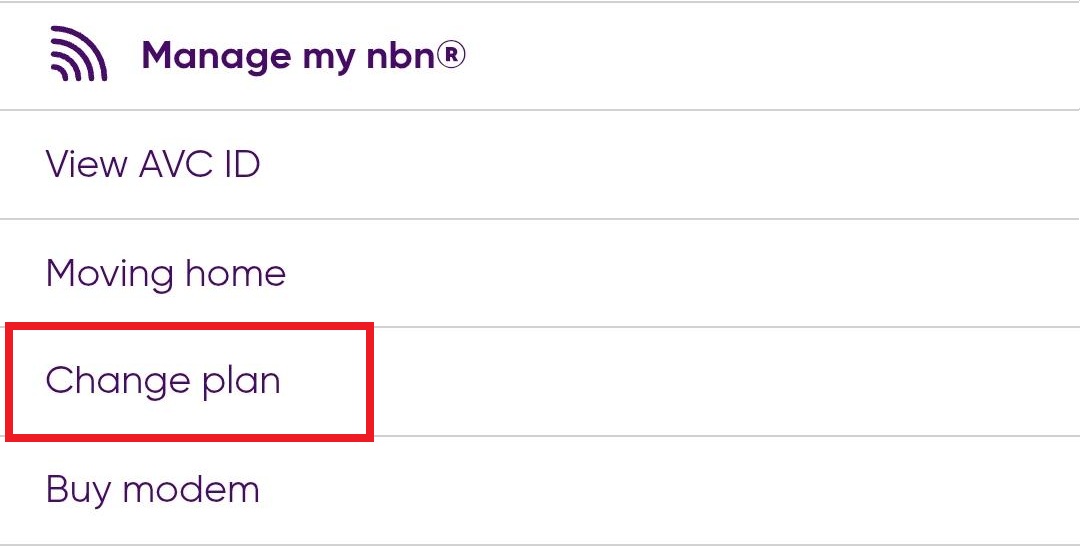
  1. Select Change plan. If you are unable to see it, select See more, then Change plan from the next screen.

Image showing Change Plan and See more options

Image showing change plan

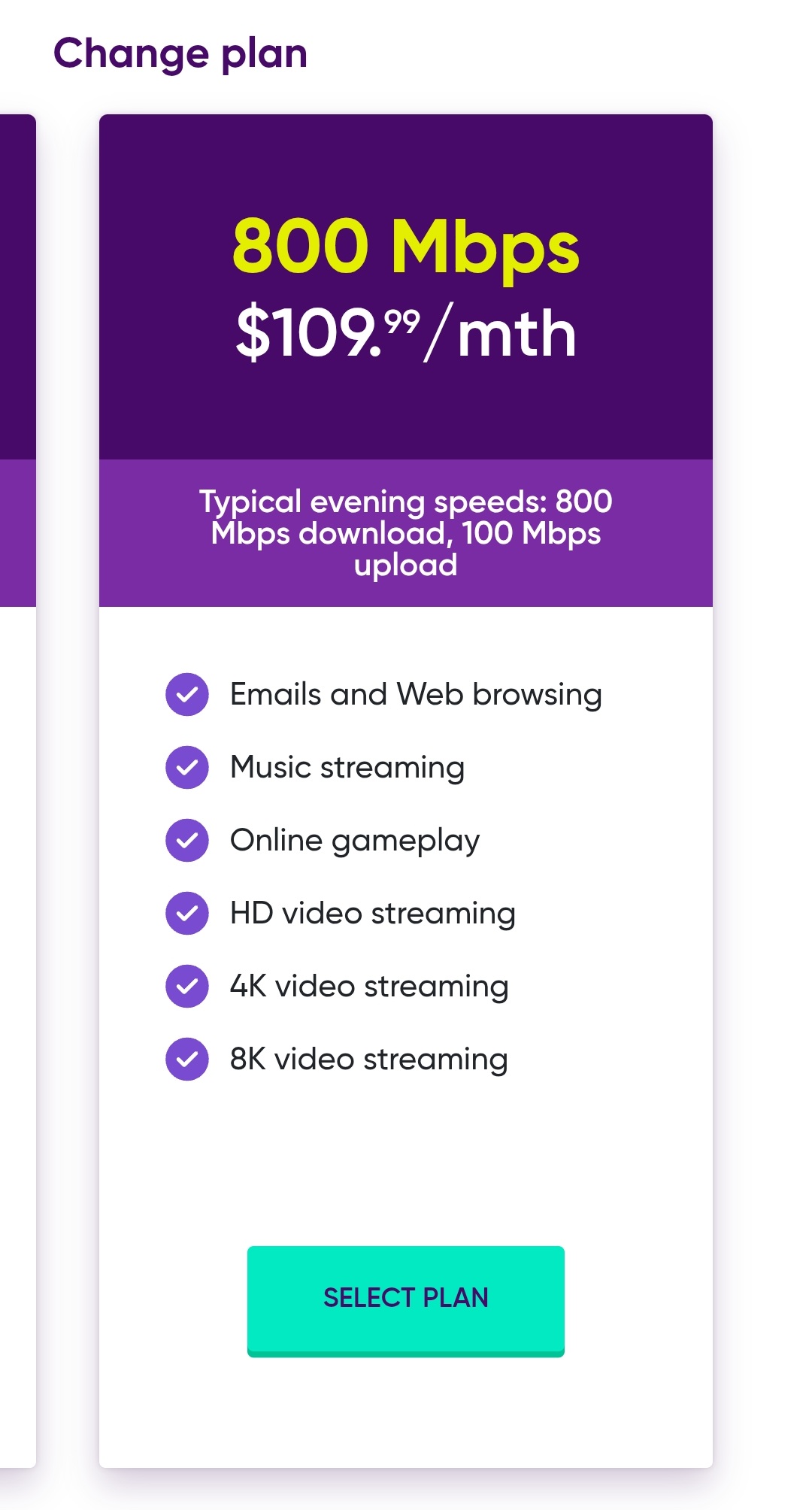
  1. Select the plan you want from the available options.
  2. Select SELECT PLAN.

List of available plans

  1. Review the plan details and select CONTINUE to confirm the change.

Image of the Continue button

How long does it take for a plan change to take effect?

  • Plan upgrades take effect immediately.
  • Plan downgrades take effect at the end of your current billing period.


Related

How do I cancel my service?

I am moving home. How do I move my Dodo nbn service with me?

Dodo offers mobile add-ons that provide additional data or international calling credit.

Can I purchase additional mobile data?

Yes. If you’ve used all of the data included in your plan, you can purchase an additional 5GB of data for $10.

If your plan includes Data Banking and you don’t use all of the add-on data during our current billing cycle, any unused add-on data will roll over to the following billing cycle.

For more information see What is Data Banking?


Can I add international call credit?

Yes. You can purchase an additional $100 International Call Credit add-on for international calls.

For a list of included destinations, see the International Call Rates page. 

Does international call credit roll over?

No. Any unused international call credit expires at the end of your billing cycle and does not roll over to the following month.
 

Related

How do I purchase a mobile add-on?

What is Data Banking?

International Call Rates

You can purchase mobile add-ons through the Dodo App.

  1. Log in to the Dodo App.
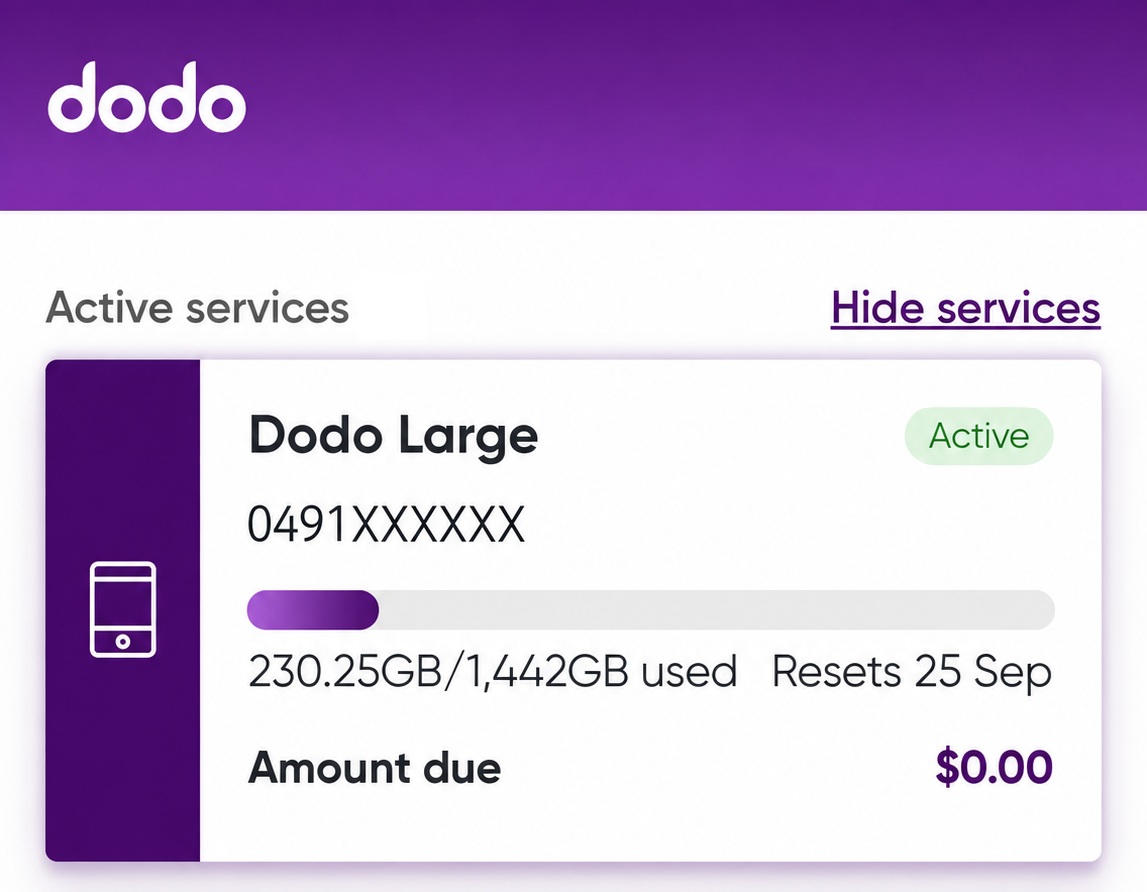
  2. From the Home Screen select your mobile service.

Image showing the home screen and a mobile service

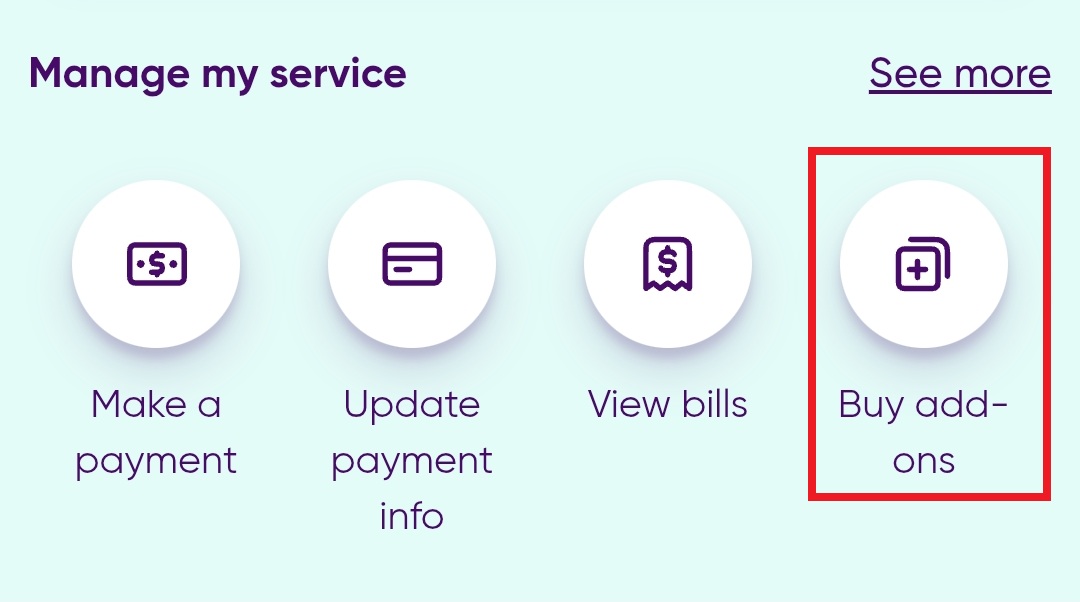
  1. Select Buy Add-ons.

Image showing Buy Add On

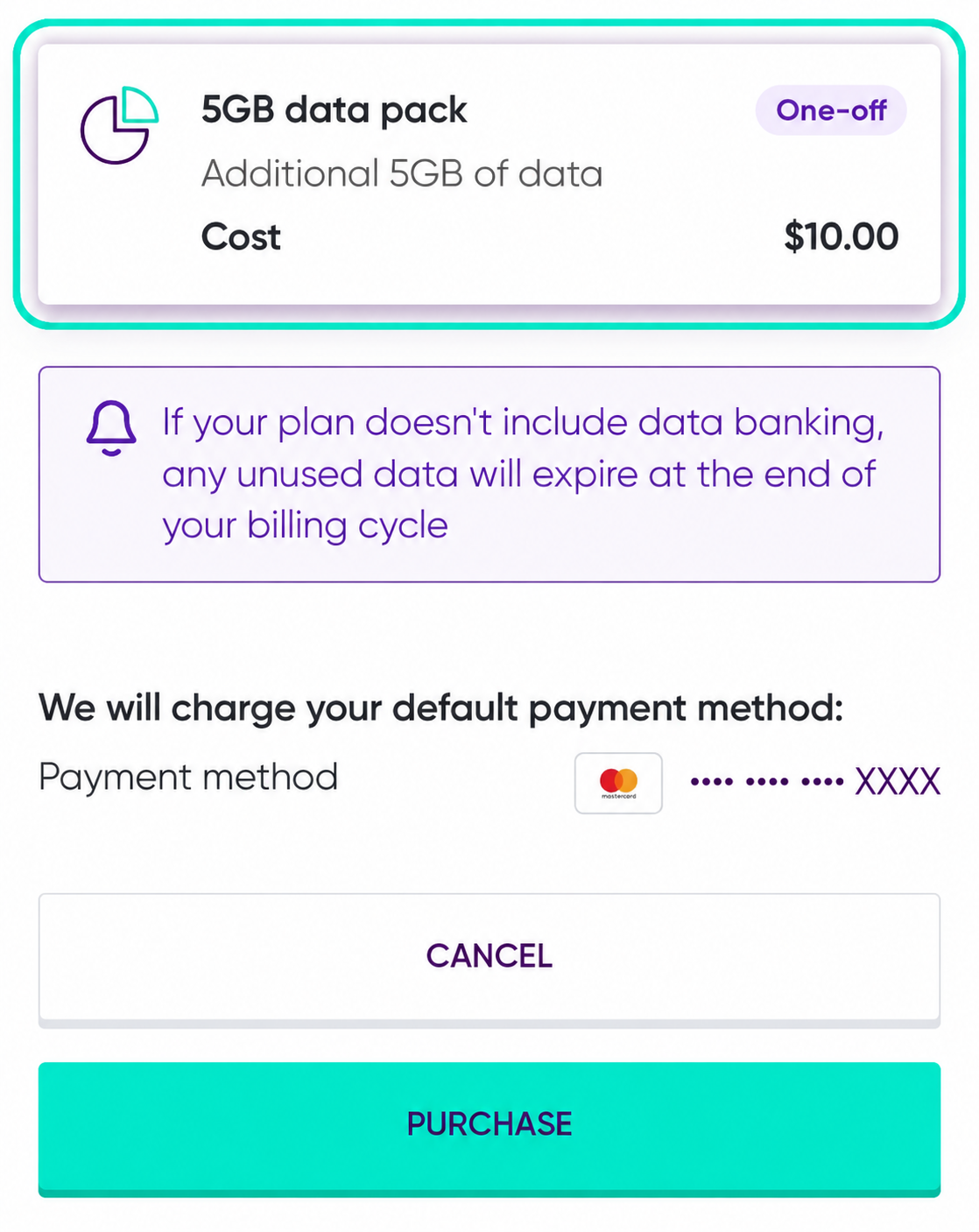
  1. Choose the add-on you’d like to purchase.
  2. Select Purchase to buy the add-on.

Image of the Add-ons purchase screen


I can’t see any mobile add-ons. What does this mean?

If mobile add-ons are not displayed in the Dodo App, they are not available on your current plan.


Related

What mobile add-ons are available?

A $10 Late Payment Fee may apply to nbn® and mobile services if your bill remains unpaid 3 days after the due date.


How does the fee work?

The fee is avoidable if your bill is paid on the due date.

  • It will appear as a separate charge on your account.
  • It will be added to your outstanding balance.
  • It will be collected in your next billing cycle.

You can view your bill online via Dodo App.


Will I be notified before a fee is charged?

Yes. You’ll receive reminders and notifications to help you pay before the fee applies.


What if I’m having difficulty paying my bill?

If you’re experiencing difficulty paying, please contact us—support options are available.

Updating your payment method

You can update or change your payment method by using MyDodo, simply login and follow these steps:

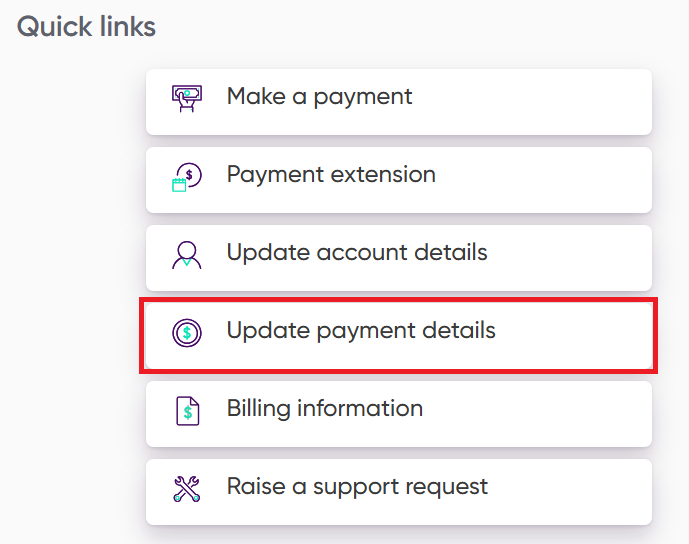
  1. Once you have logged it to MyDodo, select the Update payment details from the Quick links section.

select update payment details


  1. Select the product/service that you want to update the payment method.
  2. Click ADD A NEW PAYMENT TYPE

Add new payment button

  1. Enter the updated card details.
  2. Agree to Primary Payment Method terms by setting the slider to Yes.
  3. Click SAVE.

Save button

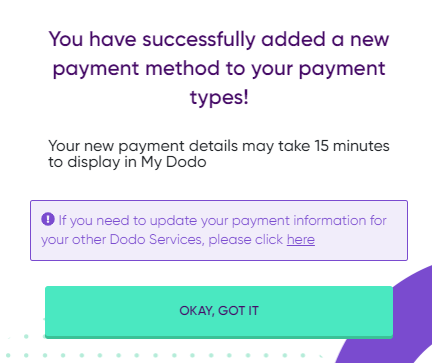
  1. You should see the confirmation screen below.

Payment updated screen


It may take up to 15 minutes for your updated card to display in MyDodo.

If you have more than one Dodo product/service, you will need to repeat these steps to update the payment method on each individual account.


Related

How do I pay a bill?

As part of an Australian government policy, a new development fee was introduced on April 1, 2016  whereby the costs linked with building new telecommunications networks would be handed down to households and developers.

The new development fee applies to installations at properties where no phone or internet infrastructure has been installed. In most cases this is due to the property being a new development.

If your connection is subject to a new development fee you will be advised when signing up to Dodo nbn.

To sign up for dodo nbn, you will be required to pay a new development fee of $300. You have the option to either pay the full amount upfront or make the first instalment payment if you choose the instalment payment option.

Need a little help?

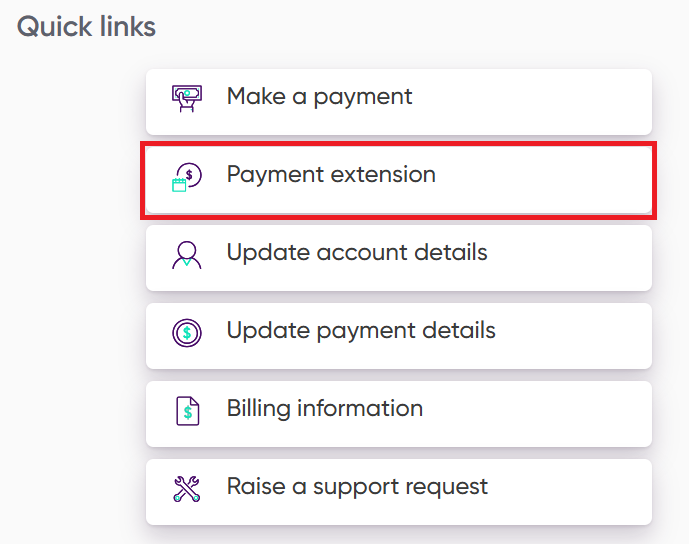
If you are having difficulty making a payment, visit MyDodo and click the Payment extension link to see what options are available to you.

select payment extension

If you need additional support our Financial Hardship Policy provides a variety of additional options to help get you back in control.


Related

Can I temporarily pause my billing?

We are unable to put billing on hold or suspend accounts.

Disconnecting your services early may incur cancellation fees and/or the loss of your phone number or email address.

However, if you are experiencing difficulties paying your bill our Payment Extension options may help.

If you need additional support our Financial Hardship Policy provides a variety of additional options to help get you back in control.

You can choose to download and complete our Statement of Financial Position Form and return it to financialhardship@dodo.com.au or contact us by phone:


  • Phone: 1300 907 283
  • Hours of Operation: Monday - Friday 9.00 am – 6.00 pm AEST


Related

Can I get a payment extension?

First, login to MyDodo and check your monthly invoice.

Your invoice will give you an itemised account of all your recent activity and can help explain any unknown charges.

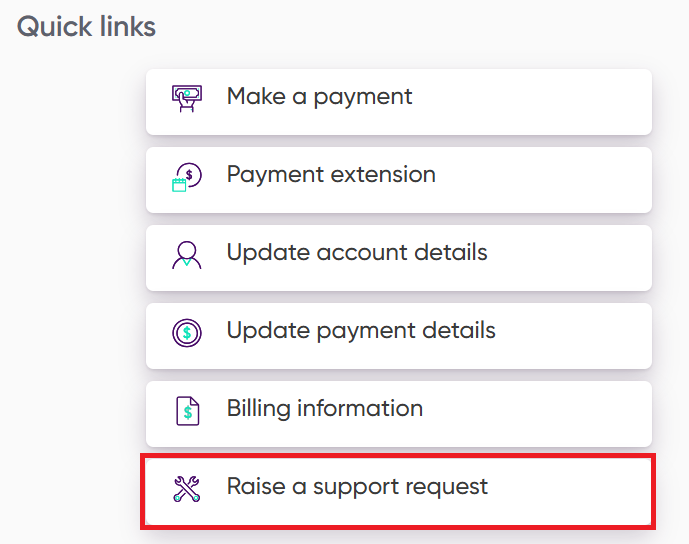
If you still don't understand the charges, you can raise a Support Request via your MyDodo account by clicking the Raise a support request quick link.

Click raise a support request

If you are unable to create a MyDodo case please click here.


Related

How do I view my bill?

If you’ve closed your Dodo account and your final bill shows a credit balance, you may be entitled to a refund. Here’s what you need to know:

Eligibility

  • You have cancelled your account and received your final bill.
  • There is a credit remaining on your account.
  • No other accounts you hold with Dodo are in debt.
     
How to Claim Your Refund

Contact Us

Reach out to our customer service team to arrange reimbursement. We’ll verify your details and process your refund.

Unclaimed Money
If a significant amount of time (12 months and over) has elapsed since your account was closed and the credit remains unclaimed, the funds may have been transferred to the Victorian State Revenue Office (VSRO) in line with regulatory obligations.

If you have monies held with the Victorian State Revenue Office, you can apply for a refund with the Victorian State Revenue Office directly. Dodo have no control or ability to initiate a refund.

Funds that are held in trust by the Victorian State Revenue Office are available to search via the public register.

For more information about unclaimed money visit https://www.sro.vic.gov.au/unclaimed-money