All your Dodo services – in one place
The Dodo App is available for iOS and Android devices

The Dodo App is available for iOS and Android devices
Key features:
Account management - Update your personal contact and payment details in just a few taps.
All your services in one place - View and pay your bills, track your usage, – all from your smartphone. With many more new and exciting features coming soon.
Get help - Support the way you want it – self-help, live chat, online support request, or phone.
Download the Dodo App Today.
Already have a MyDodo account?
Then simply sign in with your existing MyDodo login credentials.
You’ll then be sent a verification code via email or SMS.
If you’re new to Dodo you’ll need to create a MyDodo account
Tap Set Up MyDodo, then enter your email details, then follow the prompts.
To use Easy sign in you make sure you have the latest version of the Dodo App.
Login with your email address and password.
Enter the verification code sent to you via SMS or email.
Once you’re logged in you will be prompted to set up Easy sign in, tap it to enable.
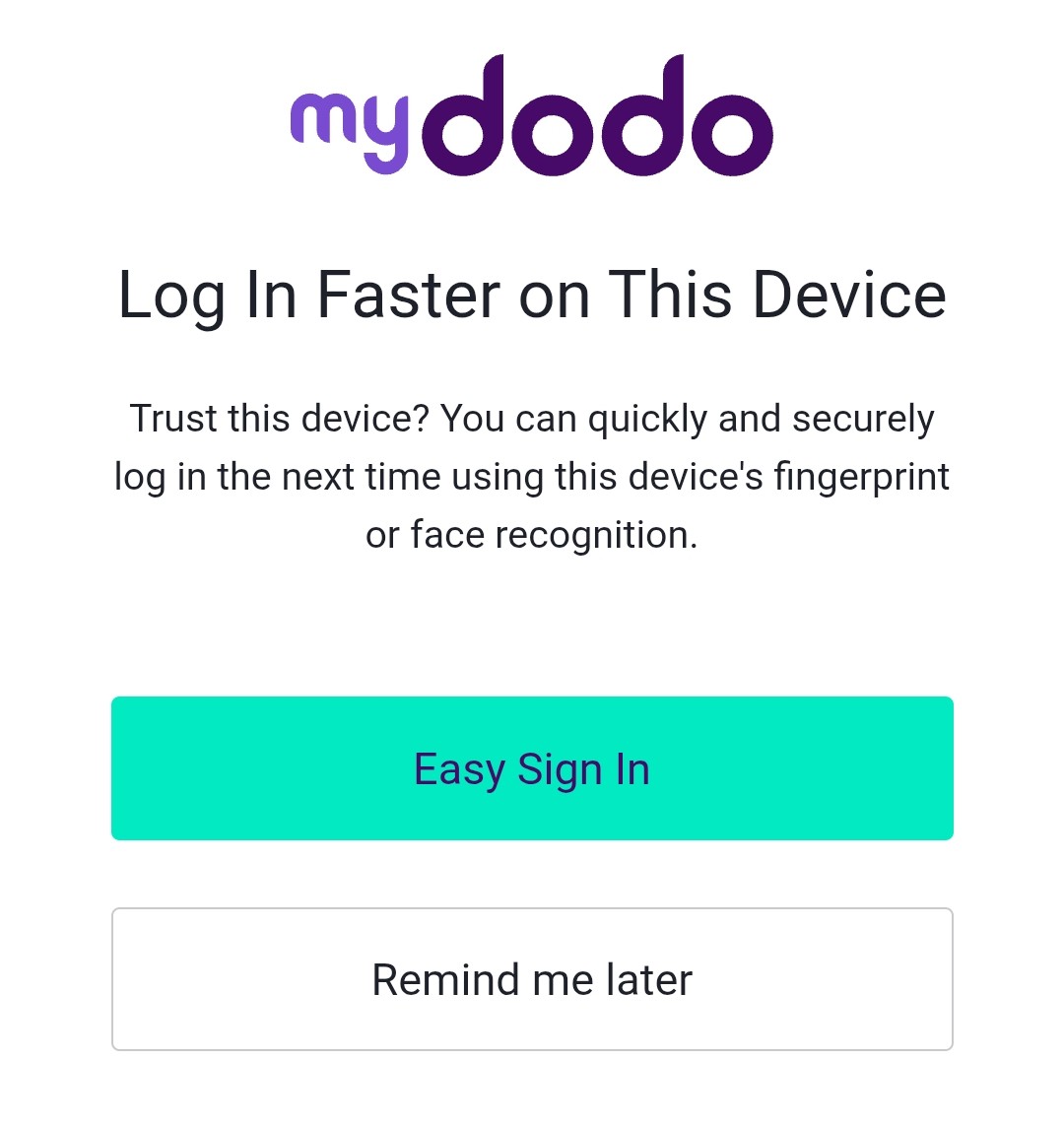
If you have a new device follow these steps to enable Easy sign in.
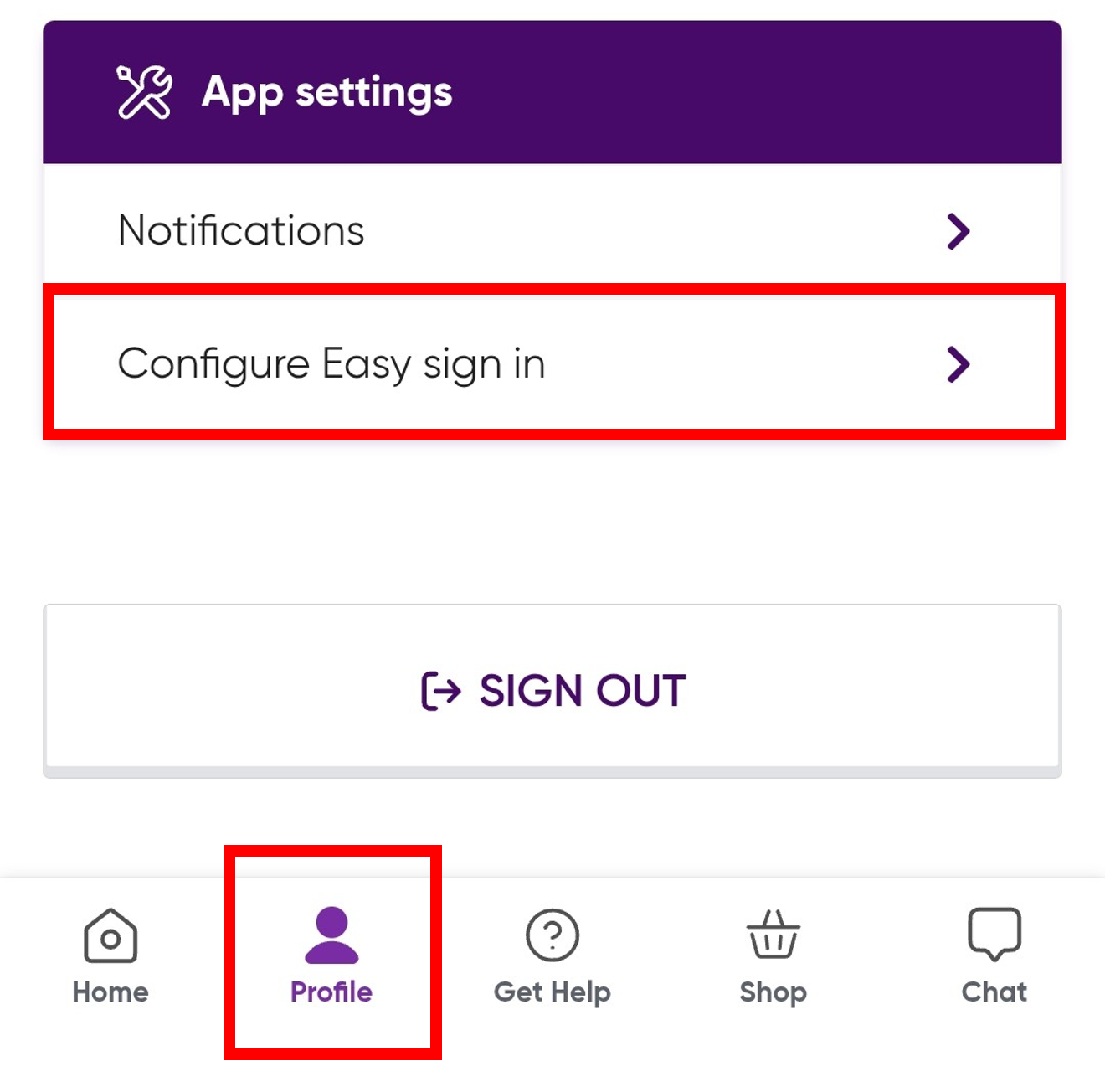
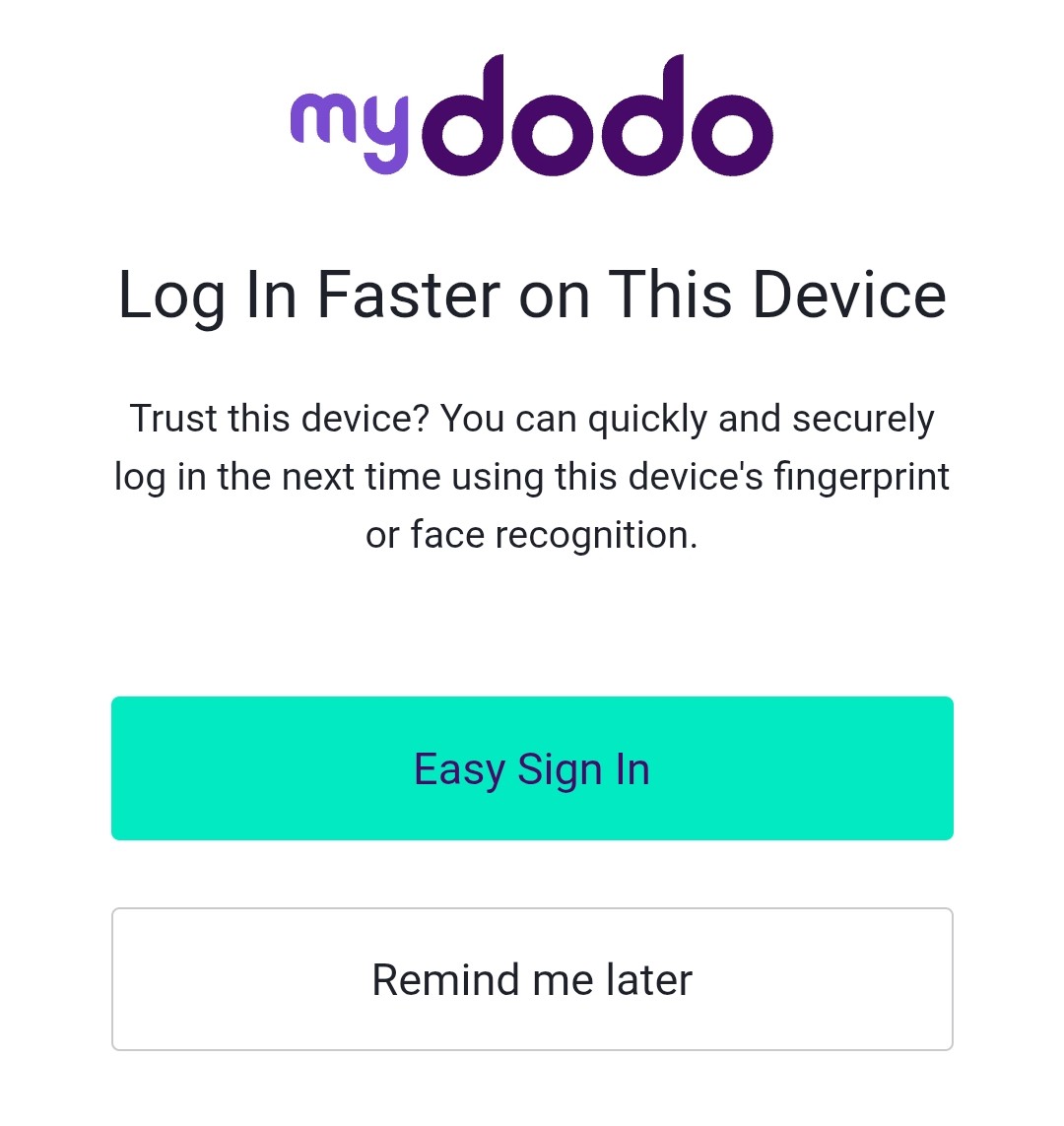
Unable to set up Easy Sign-In / Required to log in every time
Unable to log in to the Dodo app